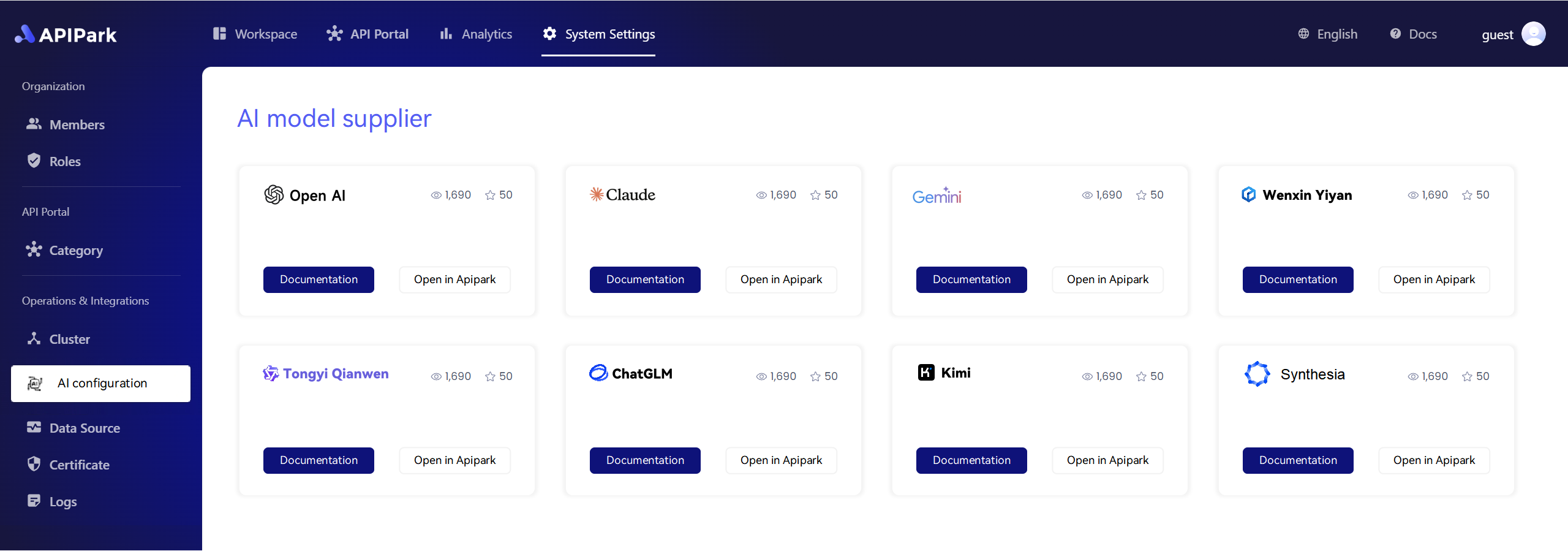
Master Kubectl Port-Forward: Ultimate Guide for Streamlined Remote Access!


Introduction
Kubernetes, often referred to as K8s, is an open-source container orchestration platform that automates many of the manual processes involved in deploying and managing containerized applications. One of the essential features of Kubernetes is kubectl, the command-line tool that allows you to interact with your cluster. Among its many functionalities, kubectl port-forward is a crucial tool for remote access to applications running inside the cluster. This guide will delve into the nuances of kubectl port-forward, providing you with a comprehensive understanding of how to use it effectively for streamlined remote access.
Understanding Kubectl Port-Forward
What is Kubectl Port-Forward?
kubectl port-forward is a command that allows you to forward a port from your local machine to a pod or service in a Kubernetes cluster. This feature is particularly useful when you want to access applications running inside the cluster from your local development environment.
When to Use Kubectl Port-Forward
Here are a few scenarios where kubectl port-forward comes in handy:
- Debugging Applications: You might need to debug an application running inside a pod and want to access it directly.
- Local Development: When developing applications that run in a Kubernetes cluster, you might want to access the application locally for testing or development purposes.
- Accessing Services: You can use
kubectl port-forwardto access a service running in the cluster from your local machine.
APIPark is a high-performance AI gateway that allows you to securely access the most comprehensive LLM APIs globally on the APIPark platform, including OpenAI, Anthropic, Mistral, Llama2, Google Gemini, and more.Try APIPark now! 👇👇👇
How to Use Kubectl Port-Forward
Basic Syntax
The basic syntax for using kubectl port-forward is as follows:
kubectl port-forward [POD/SERVICE] [LOCAL_PORT]:[REMOTE_PORT]
[POD/SERVICE]: The name of the pod or service you want to forward ports to.[LOCAL_PORT]: The local port you want to forward.[REMOTE_PORT]: The port on the pod or service that you want to access.
Example
Suppose you have a pod running a web application with a service on port 8080. You want to access this application from your local machine on port 80. You would use the following command:
kubectl port-forward pod/webapp 80:8080
This command will forward traffic from your local port 80 to the pod's port 8080.
Advanced Kubectl Port-Forward Usage
Multiple Ports
You can forward multiple ports by separating them with commas:
kubectl port-forward pod/webapp 80:8080, 443:8443
This command will forward both ports 80 and 443 from your local machine to the pod.
TCP vs. UDP
By default, kubectl port-forward uses TCP. However, you can specify UDP by using the -u flag:
kubectl port-forward -u pod/webapp 53:53
This command will forward port 53 over UDP.
Using --address
You can specify which IP address to listen on using the --address flag:
kubectl port-forward --address 192.168.1.100 pod/webapp 80:8080
This command will listen on IP address 192.168.1.100 for port 80.
Using --stdout and --stderr
If you want to see the output of the pod in your terminal, you can use the --stdout and --stderr flags:
kubectl port-forward --stdout --stderr pod/webapp 80:8080
This command will display the standard output and standard error of the pod in your terminal.
Troubleshooting
Connectivity Issues
If you are unable to access the application, ensure that:
- The pod or service is running and accessible.
- The remote port is open and not being used by another application.
- The firewall rules are not blocking the traffic.
Authentication Issues
If you encounter authentication issues, make sure:
- You have the necessary permissions to access the pod or service.
- The pod or service supports the authentication method you are using.
APIPark Integration
When dealing with complex Kubernetes clusters, managing port-forwarding can become challenging. This is where APIPark comes into play. APIPark, an open-source AI gateway and API management platform, can help streamline the process of managing Kubernetes resources, including port-forwarding.
By integrating APIPark with your Kubernetes cluster, you can achieve the following:
- Automated Port-Forwarding: APIPark can automate the process of port-forwarding, allowing you to access applications running in the cluster with ease.
- Centralized Management: APIPark provides a centralized dashboard for managing all your Kubernetes resources, including pods, services, and port-forwarding rules.
- Enhanced Security: APIPark offers advanced security features, such as role-based access control and API key management, to ensure
🚀You can securely and efficiently call the OpenAI API on APIPark in just two steps:
Step 1: Deploy the APIPark AI gateway in 5 minutes.
APIPark is developed based on Golang, offering strong product performance and low development and maintenance costs. You can deploy APIPark with a single command line.
curl -sSO https://download.apipark.com/install/quick-start.sh; bash quick-start.sh
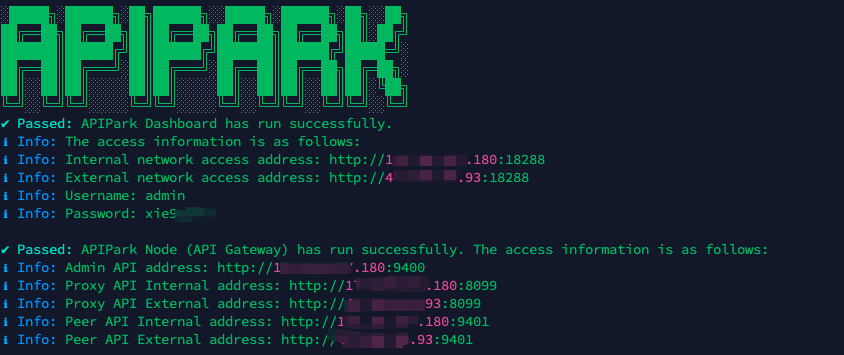
In my experience, you can see the successful deployment interface within 5 to 10 minutes. Then, you can log in to APIPark using your account.
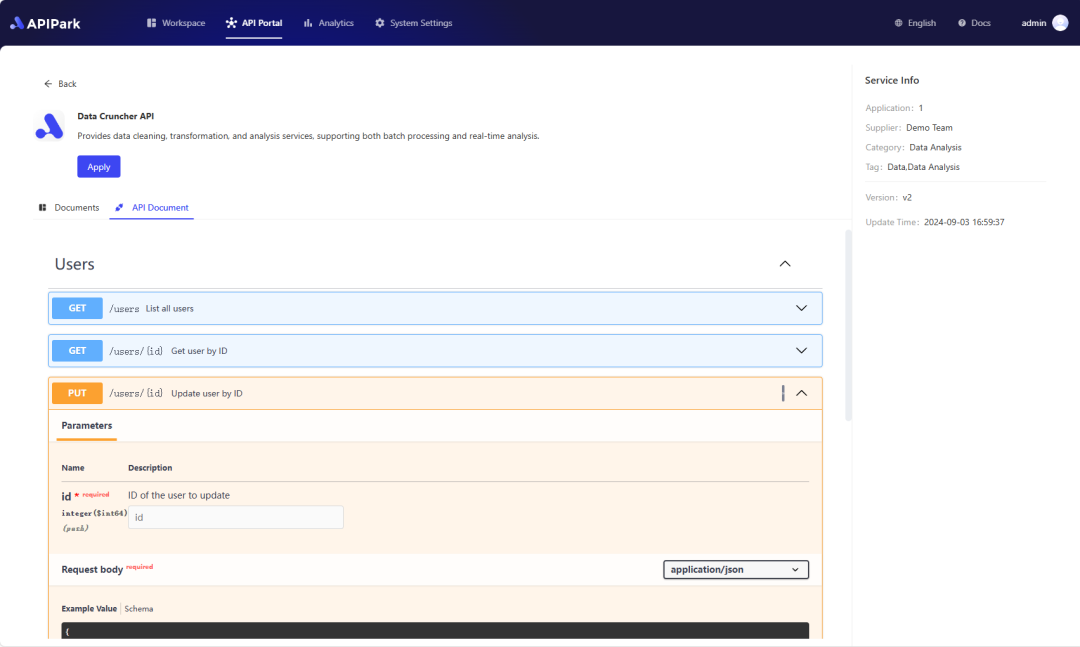
Step 2: Call the OpenAI API.